

Understanding the Technology Behind Winston AI (How the Detector Really Works)
If you’ve ever run a student essay or a blog draft through Winston AI and felt confused by the score, you’re not alone. Winston AI is an AI content detector used by schools, publishers, and businesses to estimate whether text looks human-written or AI-generated. The keyword is estimate.
I first noticed this “signal vs certainty” gap when a clean, edited paragraph (the kind you get after a few grammar passes) came back looking more AI-ish than I expected. Meanwhile, a different chunk that was clearly AI in tone barely moved the needle. Annoying, right?
In this post, you’ll learn two things: what Winston AI is looking for inside the writing, and why long or mixed documents can lead to results that feel inconsistent.
What Winston AI is actually measuring when it scans your text
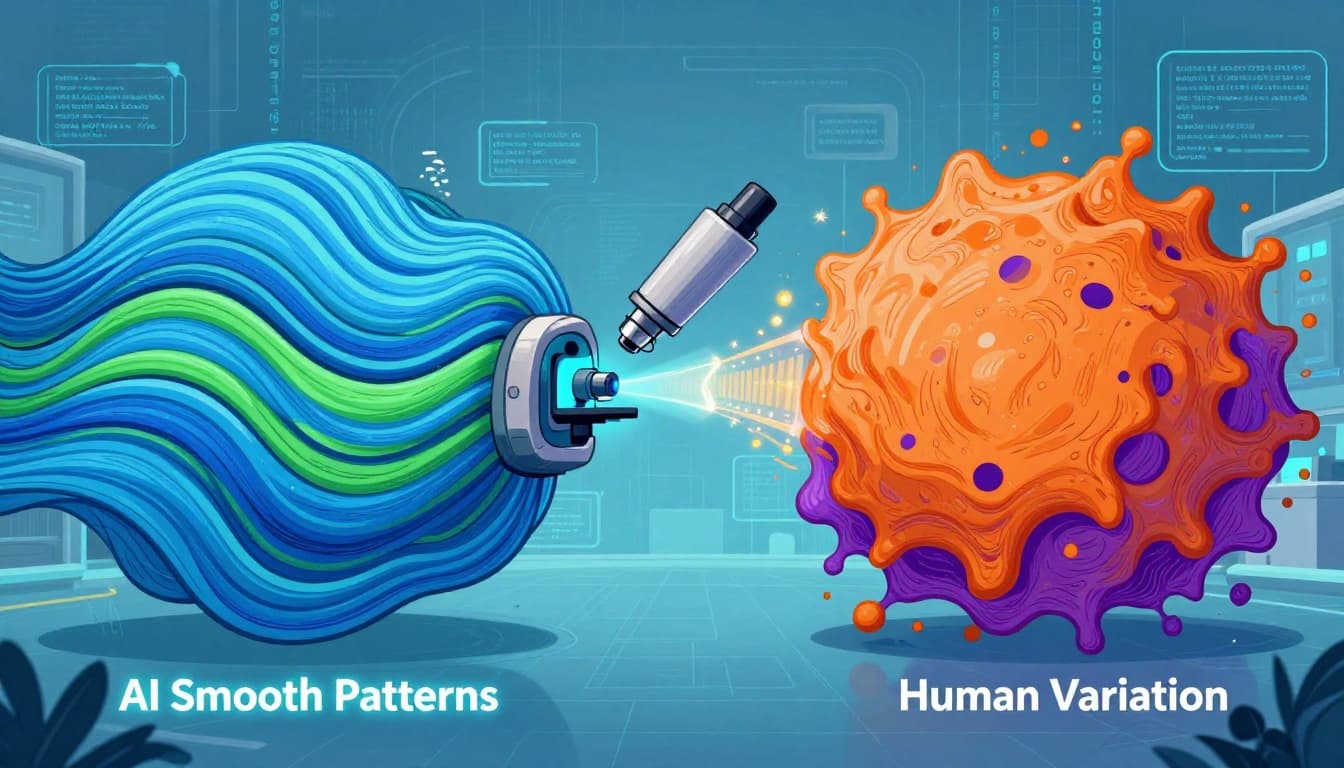 An AI-created illustration showing how detectors often contrast “smooth” patterns with more irregular human-style variation.Photo by AI Generated
At a practical level, Winston AI reads your text the way a pattern-spotter would. It uses natural language processing and machine learning to look for writing behaviors that show up often in AI outputs.
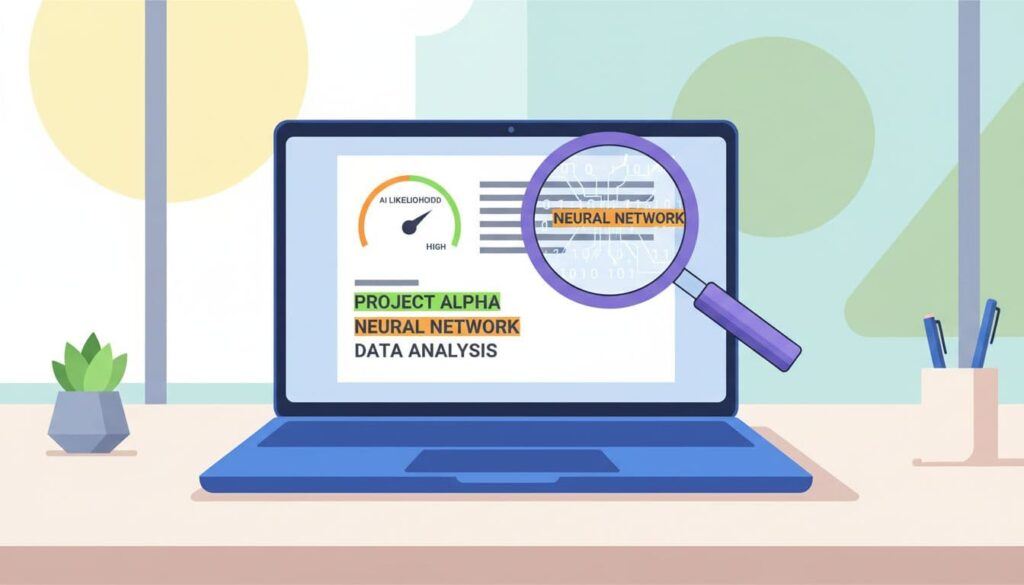
Instead of saying “this was written by a bot,” it produces a Human Score and an AI likelihood style result. Many plans also show color-coded sentence highlighting, so you can see which lines triggered the strongest AI signals. That highlighting is often the most useful part, because it turns a vague percentage into something you can actually review.
The underlying idea is simple: AI models tend to generate text that is statistically “comfortable.” Human writing, on the other hand, has uneven rhythms. We repeat ourselves, then get concise. We use a strange phrase, then clean it up. Winston tries to measure that difference.
Treat the score like a smoke alarm. It can help you notice risk, but it can’t tell you what started the fire.
Perplexity and predictability, why “too smooth” can look suspicious
Perplexity sounds technical, but the intuition is easy: it asks, “How surprising is the next word?” If the next word is easy to guess over and over, the text looks more machine-like.
A lot of AI writing is predictable in a particular way. It favors safe wording, steady sentence lengths, and balanced explanations. You see patterns like “First…, Second…, Finally…” or paragraphs that all feel the same weight.
For example, a predictable passage might stack polite connectors and evenly paced claims: “In addition… Also… As a result…” It reads well, yet it can feel a little too controlled.
Still, here’s the catch: strong human writers can also sound smooth. Templates, corporate style guides, and heavy editing can push human writing into that same “too polished” zone. So low perplexity is a clue, not a verdict.
Burstiness, sentence variety, and the “human messiness” signal
Burstiness is basically variation. Humans mix short and long sentences. We interrupt ourselves. We lean hard on one point, then rush the next.
Winston AI checks for that kind of unevenness because older AI outputs often lacked it. If the writing rhythm stays flat for too long, detectors get suspicious.
The problem is that AI can mimic burstiness now. Also, humans sometimes remove it on purpose. If you run your draft through strict grammar tools or you rewrite everything to match a brand voice, you may erase the natural bumps that detectors expect.
So Winston isn’t measuring “humanity.” It’s measuring patterns that often correlate with human or AI writing.
From upload to score, a plain-English walkthrough of Winston AI’s pipeline
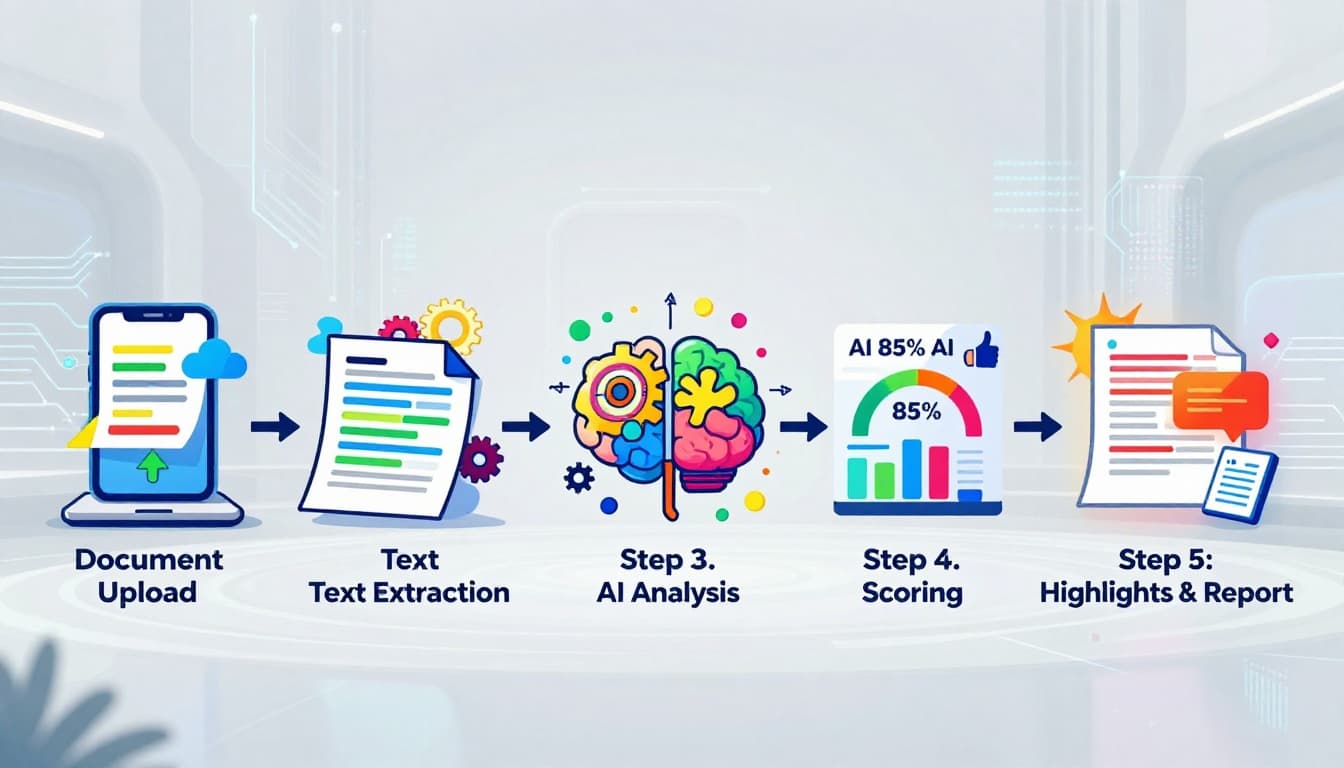
An AI-created diagram of the typical steps a detector uses, from document upload to scoring and highlights. Photo by AI Generated
Winston AI starts with the input, and it supports more than just pasted text. Depending on your plan, you can upload files like PDFs and Word documents. It also supports scanned images using OCR (optical character recognition), which matters in education when work shows up as screenshots or scans.
Next, the system preps the text. Think cleaning and organizing. It removes obvious noise, then splits the writing into chunks that are easier to score. Detectors do this because models work better on smaller pieces than on a whole book at once.
Then Winston extracts signals. Perplexity and burstiness fit here, along with other cues like repetition patterns, overly consistent flow, and symmetry across paragraphs. Some public descriptions of Winston suggest it looks at how evenly ideas are developed, since AI often keeps a very steady “explain, expand, summarize” cadence.
Finally, the model combines those signals into a report. You usually see:
- A probability-style score (Human vs AI likelihood)
- Sentence highlighting that flags “hot” lines
- A readability score on many scans
Feature access can depend on the plan. In some pricing setups, AI scanning and plagiarism checking also use credits differently, and some users miss plagiarism results until they toggle the setting correctly. That doesn’t change the detection math, but it does affect the day-to-day experience.
Why Winston can miss AI inside long documents (chunking and averaging)
Long documents are often scored in parts and then merged into a single result. That averaging can obscure small AI components within mostly human work.
A real example from testing: a long human-written document can still score as fully human even after adding a couple of AI paragraphs, because those paragraphs may be a tiny slice of the total text. The “human” signal wins overall, even if the insert feels obvious to the reader.
So if you’re scanning a novel, a thesis, or a long report, it’s smart to review the highlights, not just the headline score.
Training data and model coverage, what it learns from, and what it claims to detect
Winston AI has described training on a dataset of around 10,000 texts, split between human and AI samples. The human side reportedly draws on a range of sources (forums, recipes, essays, and news-style writing). Winston has also suggested it prefers pre-2021 human data, because content after that point may have been AI-assisted.
Winston also claims coverage for major models such as ChatGPT, Claude, and Gemini, as well as paraphrased AI. Public statements indicate frequent updates (some sources describe weekly updates), which makes sense because models change rapidly and detectors must keep adjusting.
How to interpret Winston AI results without panicking (or gaming it)
Winston AI results work best as a review tool. If the score says “likely AI,” that means the text matches patterns the model associates with AI writing. It doesn’t mean someone cheated, and it doesn’t mean the work is bad.
Start with the highlights. Read the flagged sentences like an editor. Ask what makes them feel generic or overly balanced. Then check the writing process: did you use a template, a rewrite tool, or heavy grammar correction? Those can raise false alarms because they smooth out the rough edges.
Also, remember the opposite problem. Mixed documents can produce false comfort. Small AI inserts, especially when edited by a human, may not stand out in the final score.
Comparisons across tools and community testing often show mixed performance. In some published tests, one detector flagged fully AI samples consistently, while Winston produced varied scores across formats (for example, some AI text types scored high AI, while an AI e-book style extract scored surprisingly low). That’s why high-stakes decisions shouldn’t rely on one scan.
A quick comparison mindset, Winston AI vs GPTZero vs Originality.ai
Winston AI gets attention for sentence highlighting, file uploads, and OCR for scanned documents. GPTZero is popular in education, and its advanced scans often highlight AI-like sections in a way that teachers can discuss. Originality.ai tends to score well in some third-party accuracy studies and meta-analyses, although it targets publishers and SEO teams more than classrooms. The main point is simple: run the same text through multiple detectors and you can get different answers.
Want a clearer Winston AI report?
Run a scan, then check the highlighted sentences first. The score is a signal. The highlights show you what triggered it.
Affiliate link. I may earn a commission at no extra cost to you.
Use Winston AI as a Guide, Not a Judge
Winston AI scores patterns such as predictability (perplexity), sentence variation (burstiness), and other language cues, then combines them into a probability-style output. It also breaks long files into chunks, which explains why small AI sections can disappear inside a big document score.
The best way to use it is straightforward but effective: treat the score like a warning light, review the highlighted lines, and check your writing process. For anything high-stakes, get a second opinion from another detector, then improve trust signals such as citations and clearer structure. Accuracy improves when your process is easy to explain.
Winston AI Detection FAQ
Quick answers based on how Winston AI scores text, highlights sentences, and why results can feel inconsistent.
What is Winston AI actually measuring when it scans writing? +
It scores patterns that often show up in AI output, then turns those signals into a probability-style result (Human Score vs AI likelihood). The sentence highlighting matters because it shows which lines triggered the strongest signals, not just a single percent.
What is perplexity, and why can “too smooth” writing look suspicious? +
Perplexity is basically predictability. If the next word feels easy to guess again and again, the text can look more machine-like. The catch is that clean human writing (templates, strict editing, style guides) can also reduce surprise and look polished in the same way.
What is burstiness, and what does Winston look for there? +
Burstiness is sentence and rhythm variation. Human drafts often mix short and long sentences and shift pace. If the rhythm stays flat for too long, detectors may flag it. At the same time, modern AI can mimic variety, and heavy editing can remove natural variation from human writing.
Can Winston AI scan PDFs, Word docs, or even scanned images? +
Yes. Beyond pasted text, Winston supports file uploads (like PDFs and Word documents). It can also use OCR for scanned images, which is common in school workflows where content shows up as screenshots or scans.
Why can Winston miss AI inside long documents? +
Long documents often get split into chunks, scored in parts, then averaged into one result. A few AI paragraphs can get buried if they make up a small percentage of the full text.
What should I do when the score feels wrong? +
Start with the highlighted lines and read them like an editor. Look for generic phrasing, overly balanced structure, or repetitive flow. Then check your process. Templates, rewrite tools, and heavy grammar cleanup can make human writing look more predictable.
Should I rely on one detector for a high-stakes decision? +
No. Different tools can score the same text differently, especially across formats and mixed documents. If it matters, run a second scan with another detector and pair it with a manual review of the writing history and sources.