

Allow Me To Introduce Winston AI
Getting started with Winston AI is simple once you understand how the platform works. Winston AI is an AI detection and writing review tool designed to help writers check whether their content appears AI-generated and improve sections that may sound robotic.
I tested Winston AI on several blog posts and web articles to see how it handled different writing styles, and the setup process was surprisingly straightforward. Within a few minutes, you can run your first scan and see how the tool analyzes your text.
In this guide, I’ll walk through how to get started with Winston AI, run your first content check, and use the platform’s main features to review and improve your writing.
What Is Winston AI?
Winston AI is an online AI detection platform that scans written content to estimate whether it was created by artificial intelligence. The tool highlights sections that may appear AI-generated and provides suggestions to help writers revise those areas.
In addition to AI detection, Winston AI also includes paraphrasing and writing tools that can help improve readability, adjust sentence structure, and make content sound more natural.
Getting Set Up With Winston AI
Signing up and running your first scan takes only a few minutes. Everything runs directly in your browser, so there is no software to download or install.
How to Get Started With Winston AI
Follow these steps to begin using Winston AI to check your writing.
- Visit the Winston AI website and click Get Started.
- Create a free account using your email address or a Google login.
- After signing in, you will receive a limited number of free words to test the platform.
- Paste your text into the editor on the dashboard.
- Run the AI detection scan to analyze the content.
- Review highlighted sections that may appear AI-generated.
- Use the rewrite or paraphrasing tools if you want to adjust flagged sentences.
- Copy the revised text and use it wherever you need it.
The entire process usually takes only a few minutes and works for blog posts, essays, web content, or other written material.
What Winston AI Offers
Winston AI combines several tools into one platform to help writers review and adjust their work before publishing or submitting it.
AI Detection
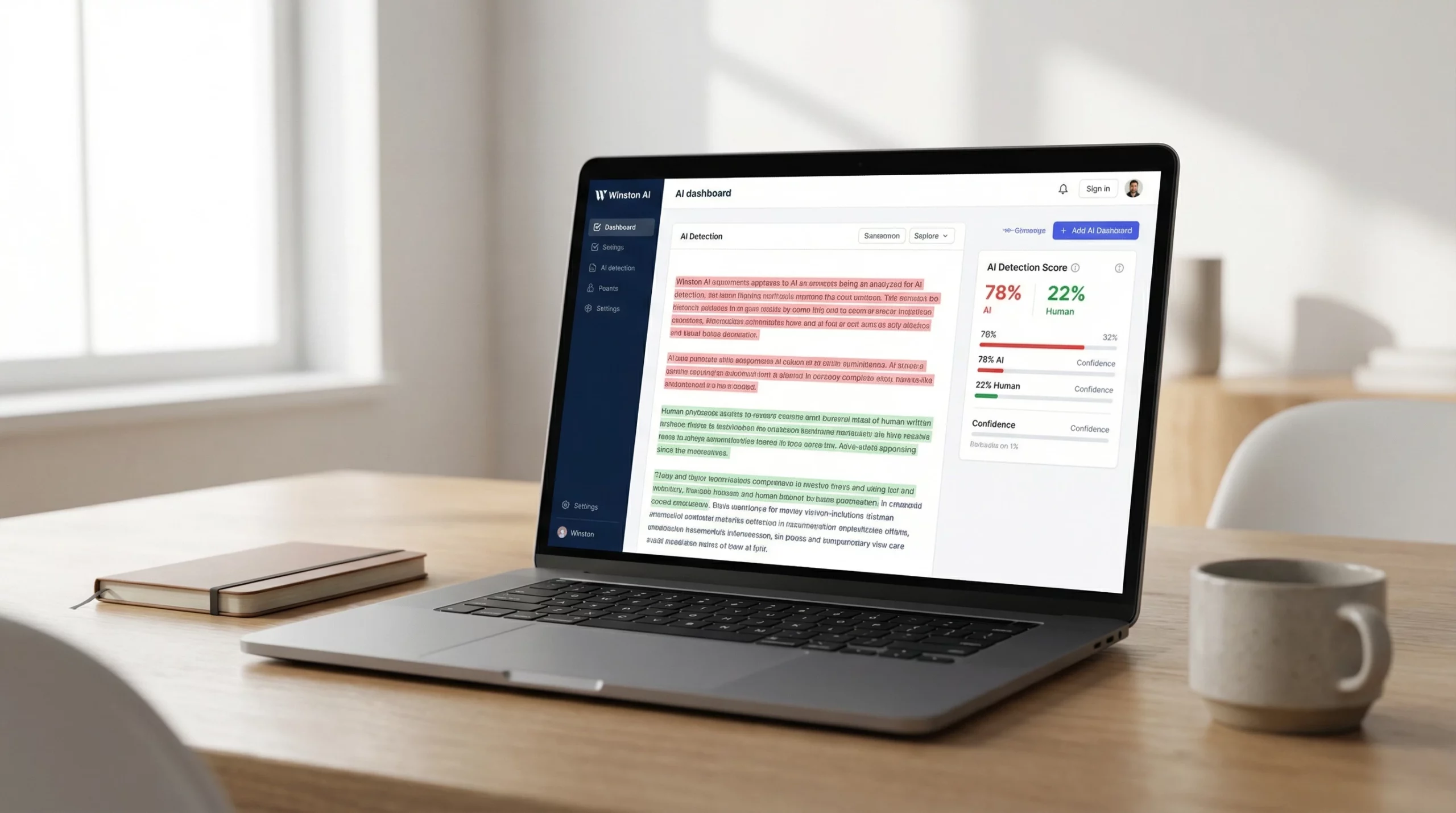
The AI detection feature scans your text and estimates whether it appears to have been generated by artificial intelligence. The results highlight sentences that may need attention and provide a visual breakdown of the analysis.
When I tested the tool, I found the highlighted sections helpful because they quickly pointed out areas that needed a second look.
Human Paraphrasing
If the detector flags a section as potentially AI-written, the paraphrasing feature can generate alternative versions with different sentence structures and wording.
This helps improve the natural flow of the text and can save time compared to rewriting each sentence manually.
Generative Writing
Winston AI also includes a generative writing feature that can help expand ideas or draft new sections based on prompts. This can be useful when you need help brainstorming or filling in gaps in a draft.
While the generated text often benefits from some editing, it can provide a helpful starting point.
Using Winston AI in a Typical Workflow
When I review content with Winston AI, I usually follow a simple process.
First, I paste the text into the dashboard and run the AI detection scan. The tool highlights any sentences that may appear AI-generated.
Next, I review the flagged sections and decide whether they need rewriting. If they do, I use the paraphrasing feature to generate alternate versions.
Sometimes I make small adjustments to better match my own voice, but the suggested revisions usually get most of the work done.
If I need help expanding a section, I occasionally use the generative writing feature to draft a paragraph and then edit it into my own style.
Extra Features and Benefits
Winston AI includes several additional features that make it easier to use across different writing situations.
Multilanguage Support
The platform supports multiple languages, which makes it useful for writers working with international audiences or multilingual content.
Free and Paid Plans
New users receive a limited number of free words to test the platform. Paid plans increase the available word limits for detection and rewriting, which can be helpful for writers who regularly check large amounts of content.
Simple Dashboard
One thing I noticed while using Winston AI is that the interface is straightforward. The dashboard loads quickly and keeps the main tools easy to find, which helps streamline the editing process.
Since everything runs in the browser, there is no need to install updates or additional software.
Common Questions About Winston AI
What types of writing can Winston AI check?
Winston AI can analyze almost any type of written content, including blog posts, essays, articles, web copy, and professional documents.
Can Winston AI guarantee my writing will not be flagged elsewhere?
No AI detection tool can guarantee that a piece of writing will pass every detector. Different tools use different methods for identifying AI-generated text. Winston AI provides a useful estimate, but careful editing and review are still important.
How accurate is Winston AI?
In my experience, Winston AI performs well for most English writing and provides clear visual feedback. Like all detection tools, it works best when used alongside human editing.
Is my text stored or used for training?
According to Winston AI’s privacy policy, user content is not used to train language models. This helps keep submitted writing private and secure.
Getting Started With Winston AI
If you want to test Winston AI yourself, the process is simple.
Sign up for a free account, paste your writing into the dashboard, and run a scan to see how the tool analyzes your content. Review any flagged sections and adjust them if needed before publishing or submitting your work.
For writers who want an extra check before sharing their work publicly, Winston AI can provide a helpful layer of review.
Dig Deeper with How Winston AI Detects AI Writing: Scores, Signals, and Limits Explained
My Final Thoughts
AI writing tools are becoming more common, making it increasingly important to review and refine content before publishing. Winston AI offers a straightforward way to scan your writing, identify areas that may appear AI-generated, and make adjustments where necessary.
For bloggers, students, educators, and professionals, tools like this can make the editing process faster and provide added confidence when preparing important content.